What's New

Discover the latest features in Phia

12 Feb, 2026
Version 2.9.8

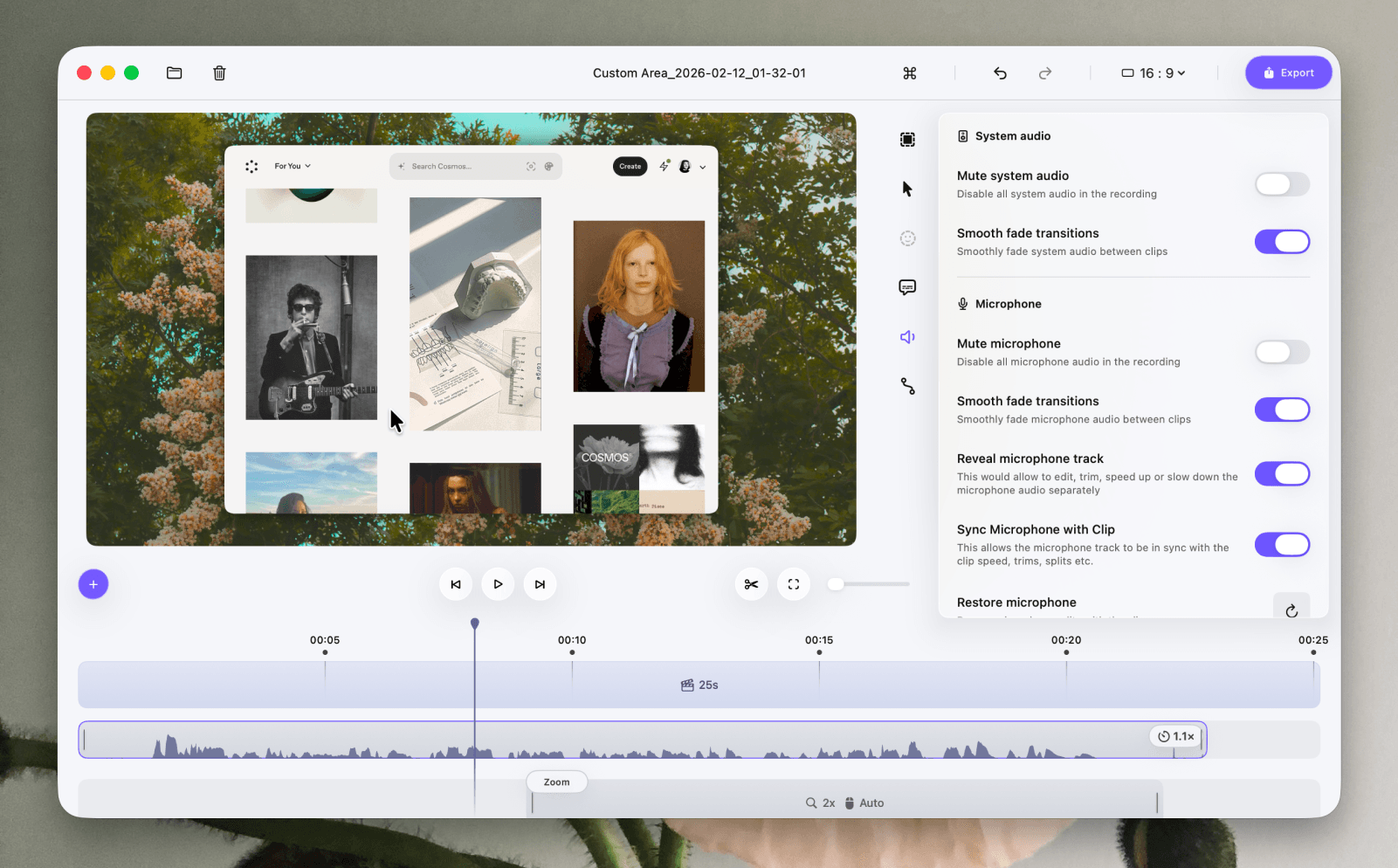
Microphone Track Editing

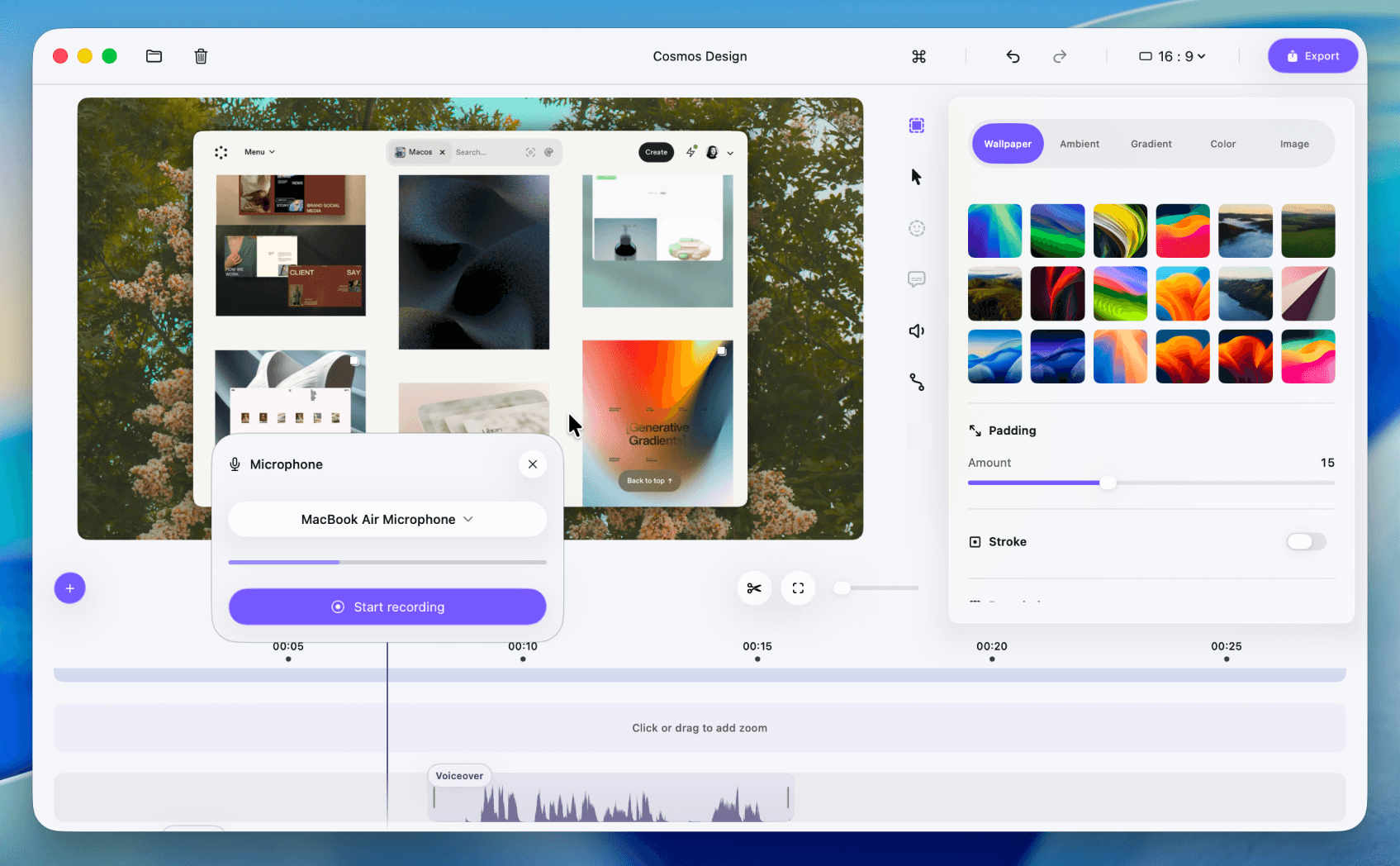
Microphone track editing and animation improvements
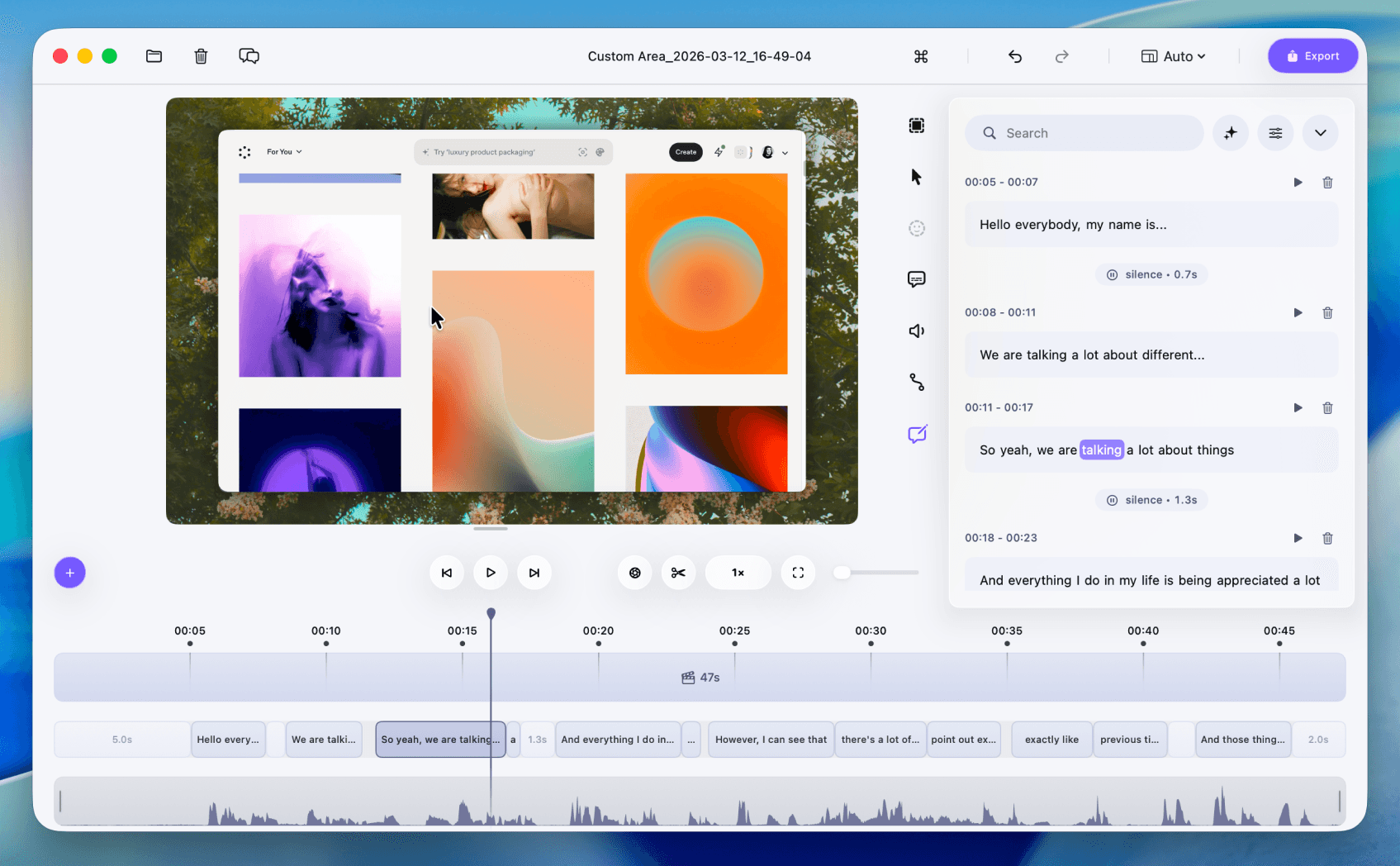
You can now edit your microphone track separately from system audio, giving you complete control over your voice recordings. Adjust microphone speed independently, fine-tune volume levels, and apply smooth fade transitions between clips for a more natural listening experience. You can also choose whether the microphone stays synced with clip timing or moves independently, making it easier to create precise and professional edits. This release also brings improved animation controls for screen recordings. Cursor movements feel more fluid, zoom transitions are smoother, and overall screen motion has been refined to create a more cinematic and polished result. Recordings now look and sound more natural, helping you present your ideas with greater clarity and impact.
6 Feb, 2026
Version 2.9.4

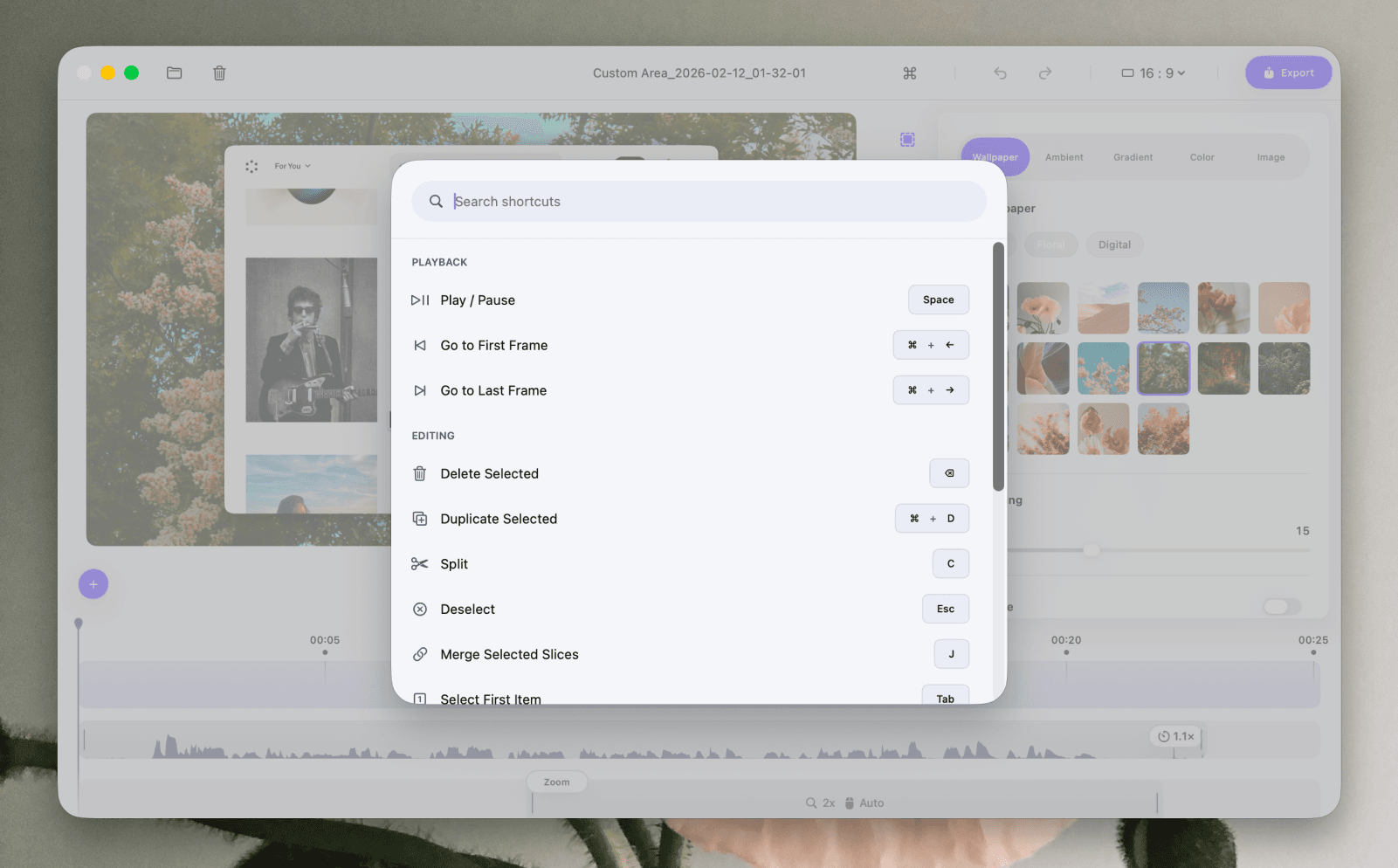
Customizable Keyboard Shortcuts

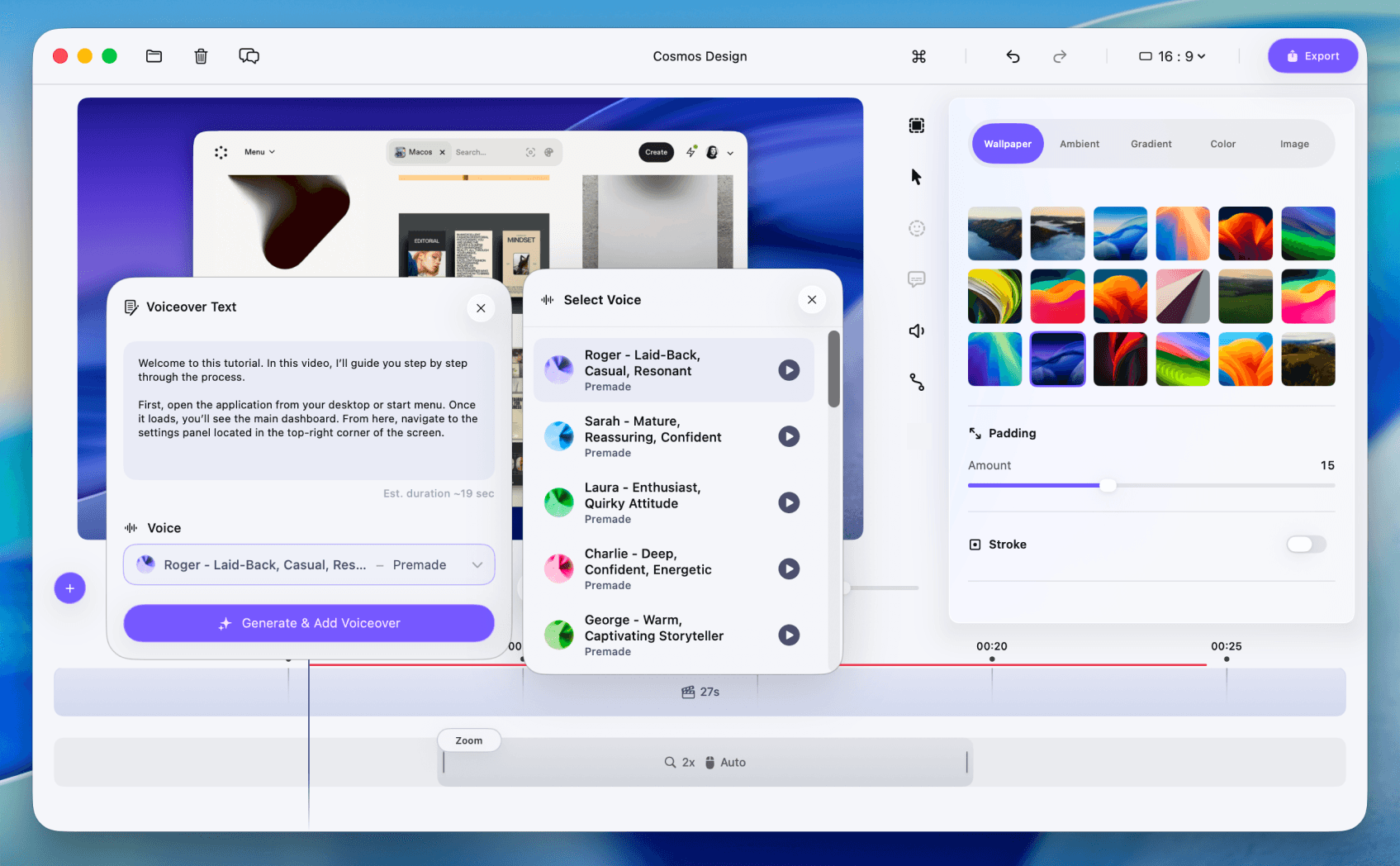
Customizable keyboard shortcuts in Phia editor
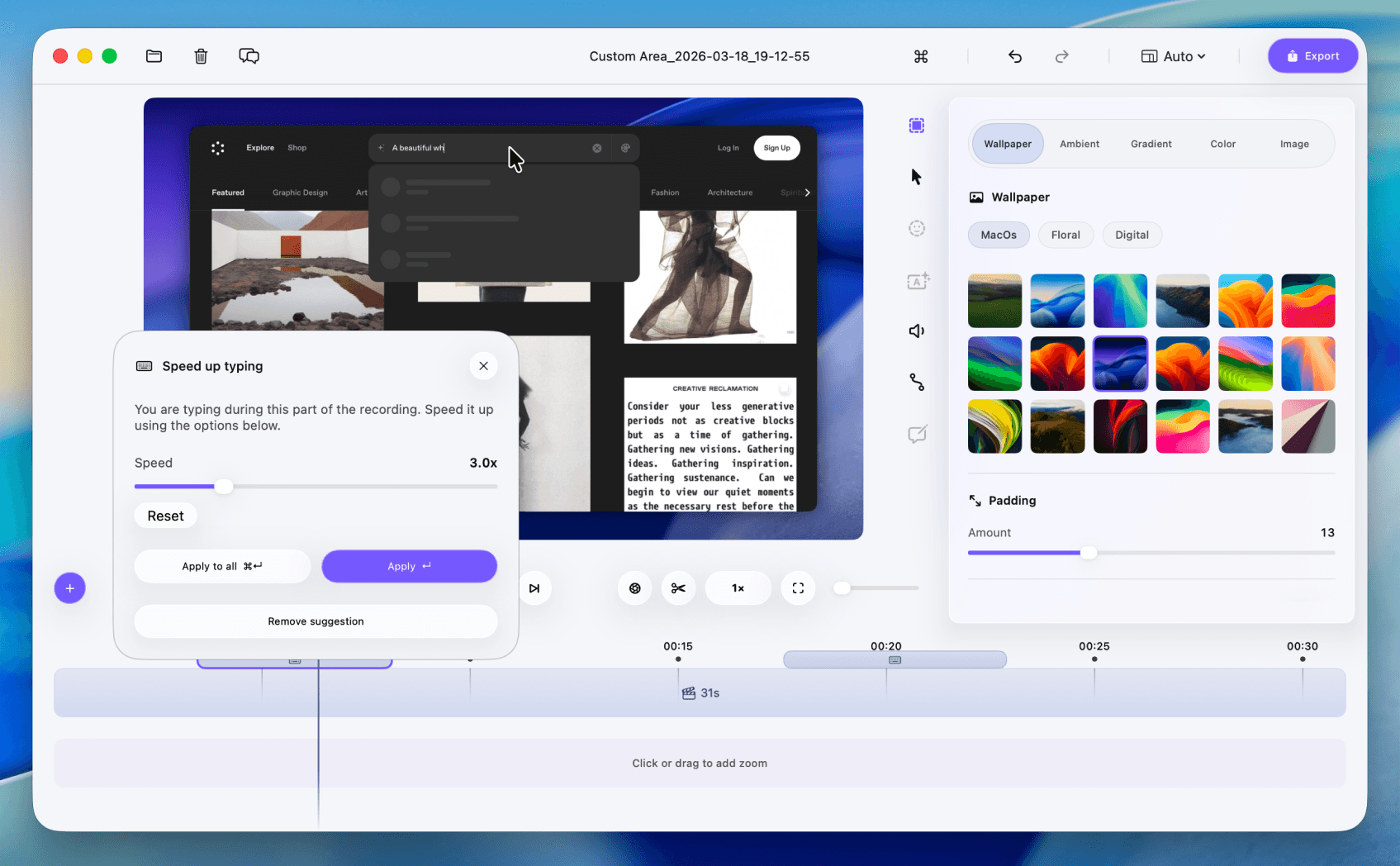
Phia now lets you control the editor entirely using your keyboard. With the new Keyboard Shortcuts system, you can navigate the timeline, edit clips, split, duplicate, delete, and perform core actions without touching your mouse. Every shortcut is fully configurable, allowing you to remap key bindings to match your personal workflow and editing style. Whether you prefer minimal keystrokes or a fully optimized editing setup, you can now tailor Phia’s controls to feel natural and fast. This update makes editing more efficient, more precise, and significantly more powerful for keyboard-first creators.
05 Feb, 2026
Version 2.9.3

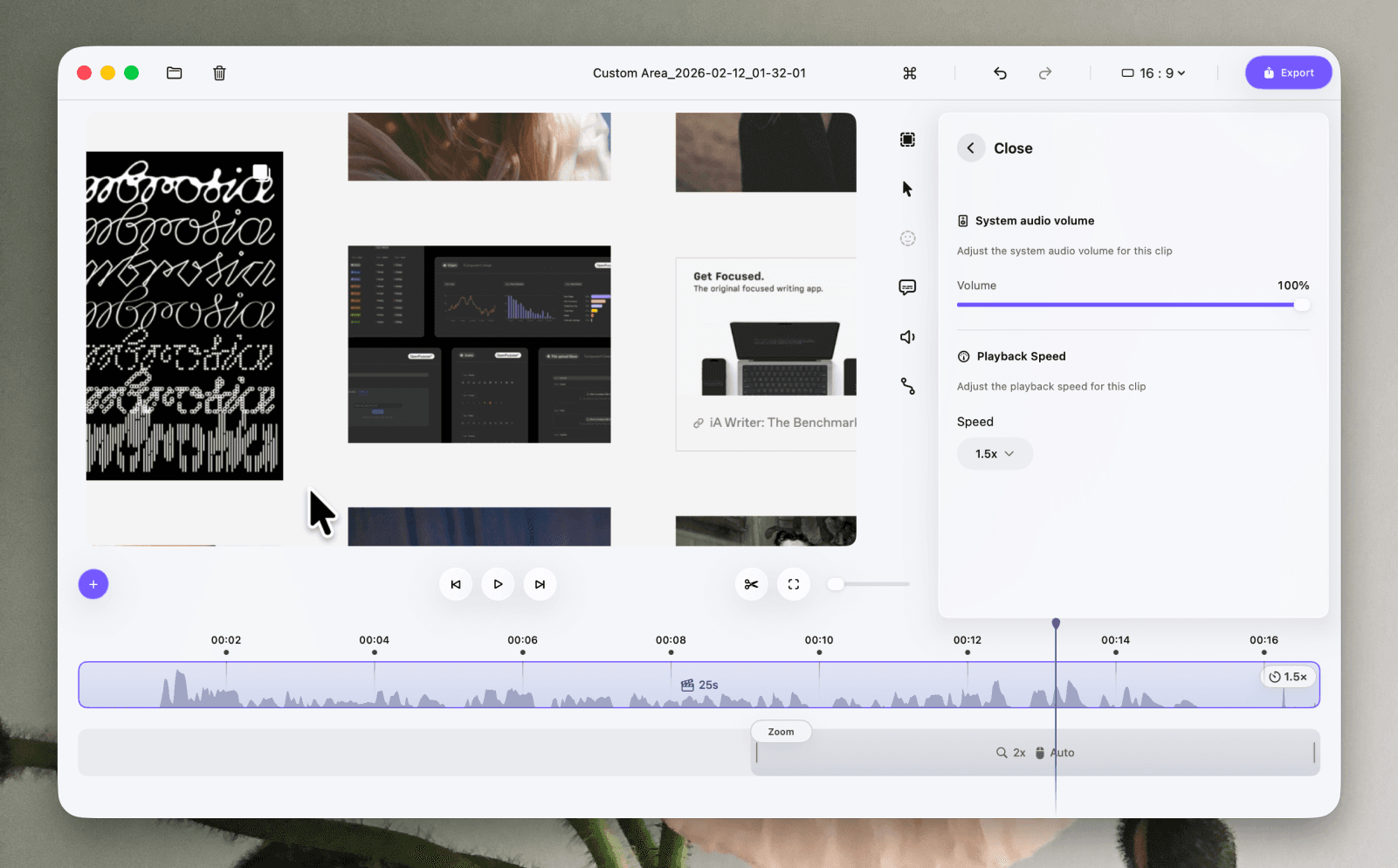
Playback Speed & System Audio Controls

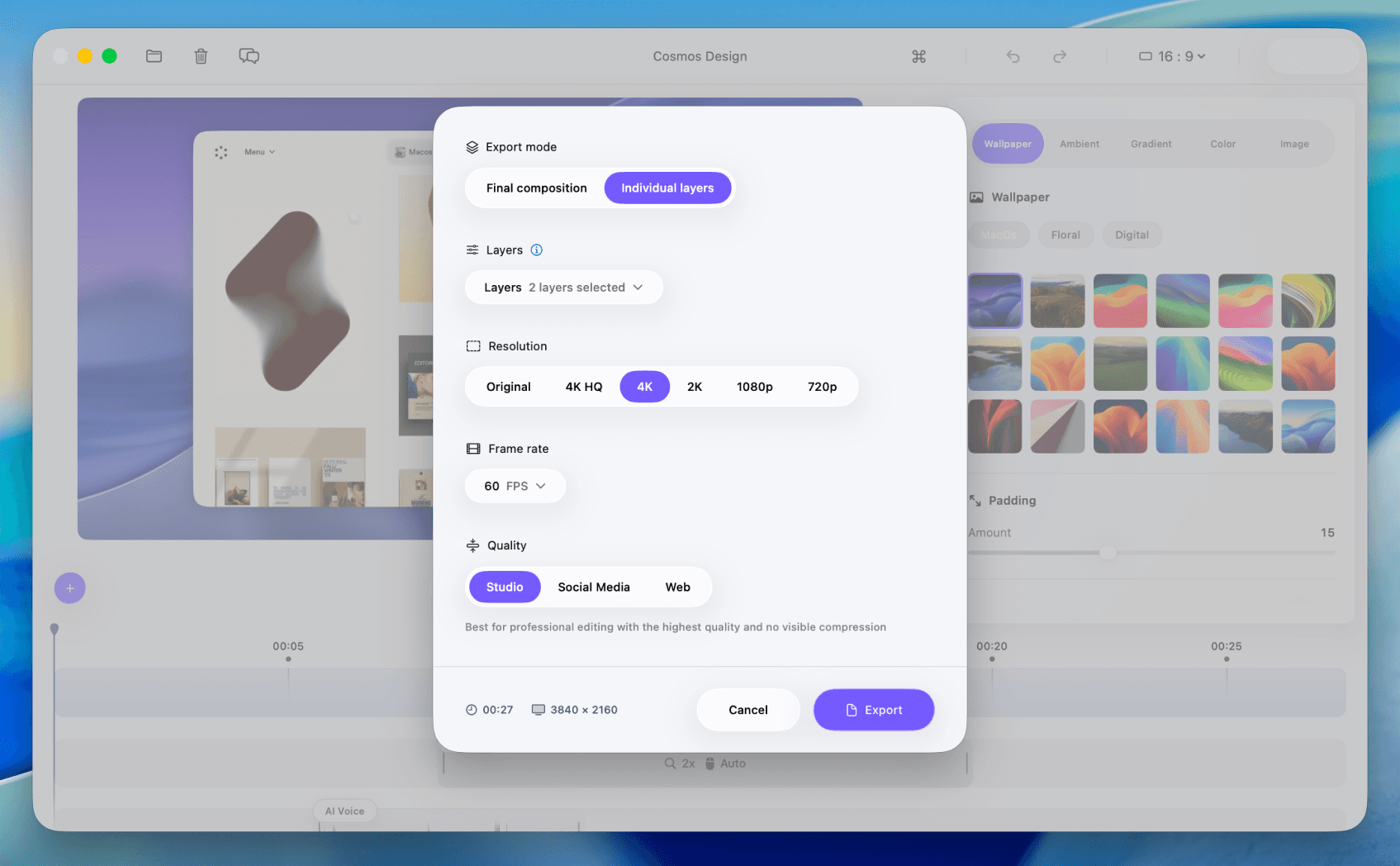
Playback speed and system audio controls in Phia
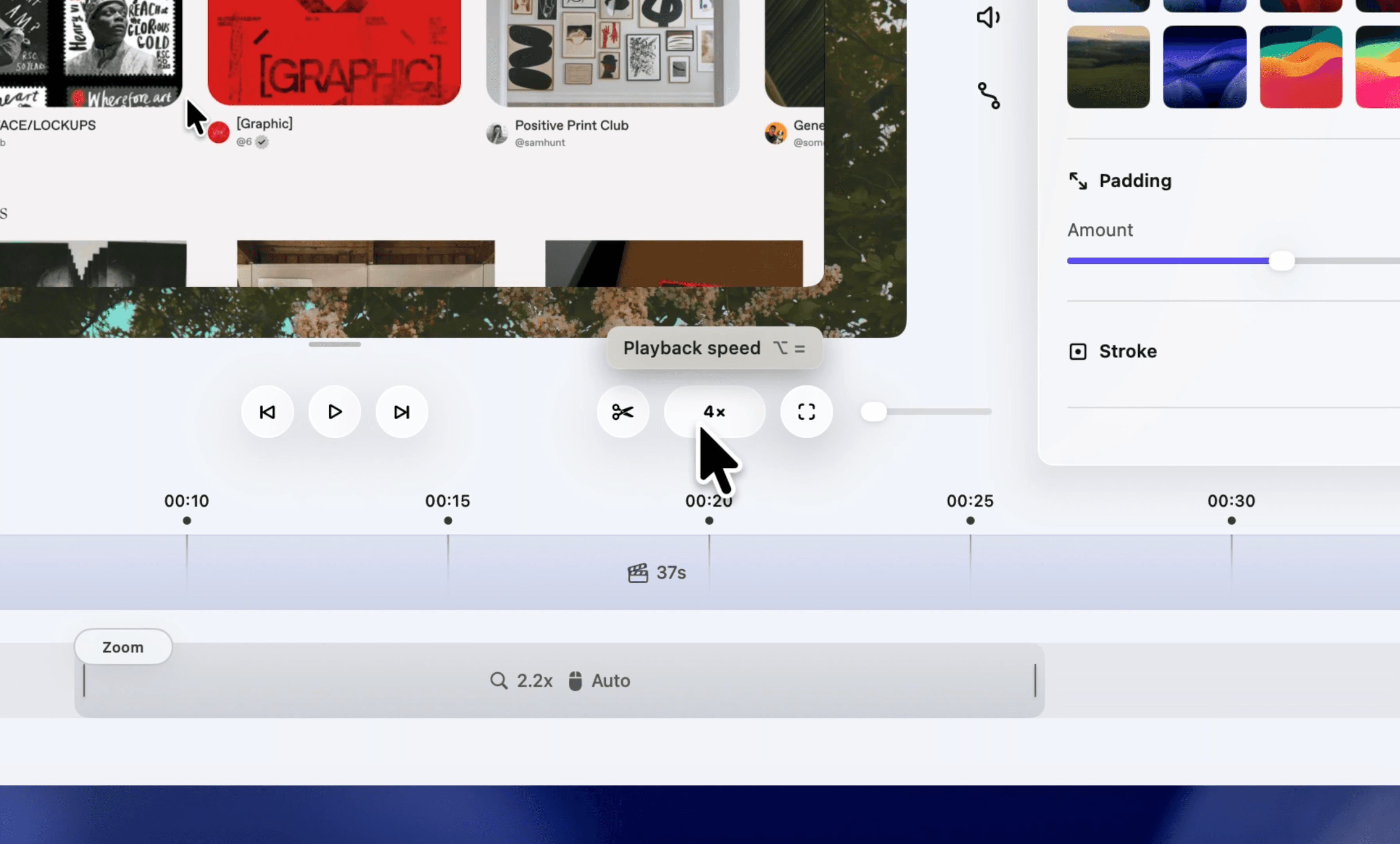
Phia now allows you to adjust the playback speed of your entire video with precision. Whether you want to speed up sections for a faster walkthrough or slow things down for clarity, you can easily control the timing of your recording without disrupting your workflow. Playback adjustments are smooth and consistent across the full timeline. This update also introduces improved system audio controls, giving you more flexibility over how desktop audio is handled during editing. With better control over sound behavior and timing, your recordings become easier to refine and more polished in the final result.
02 Feb, 2026
Version 2.8.8

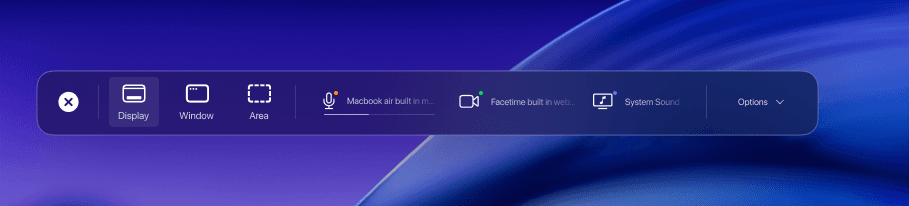
System Audio Recording

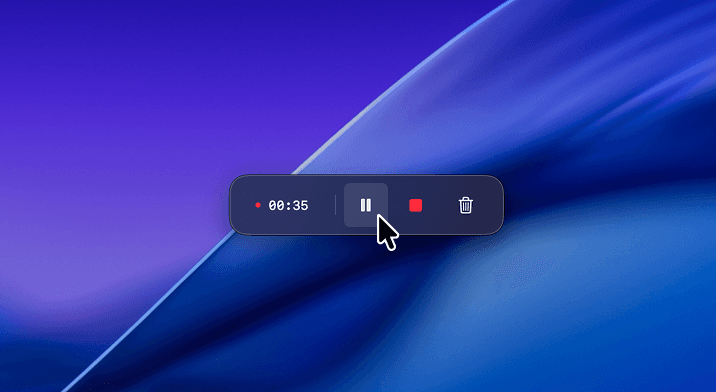
System audio recording in Phia
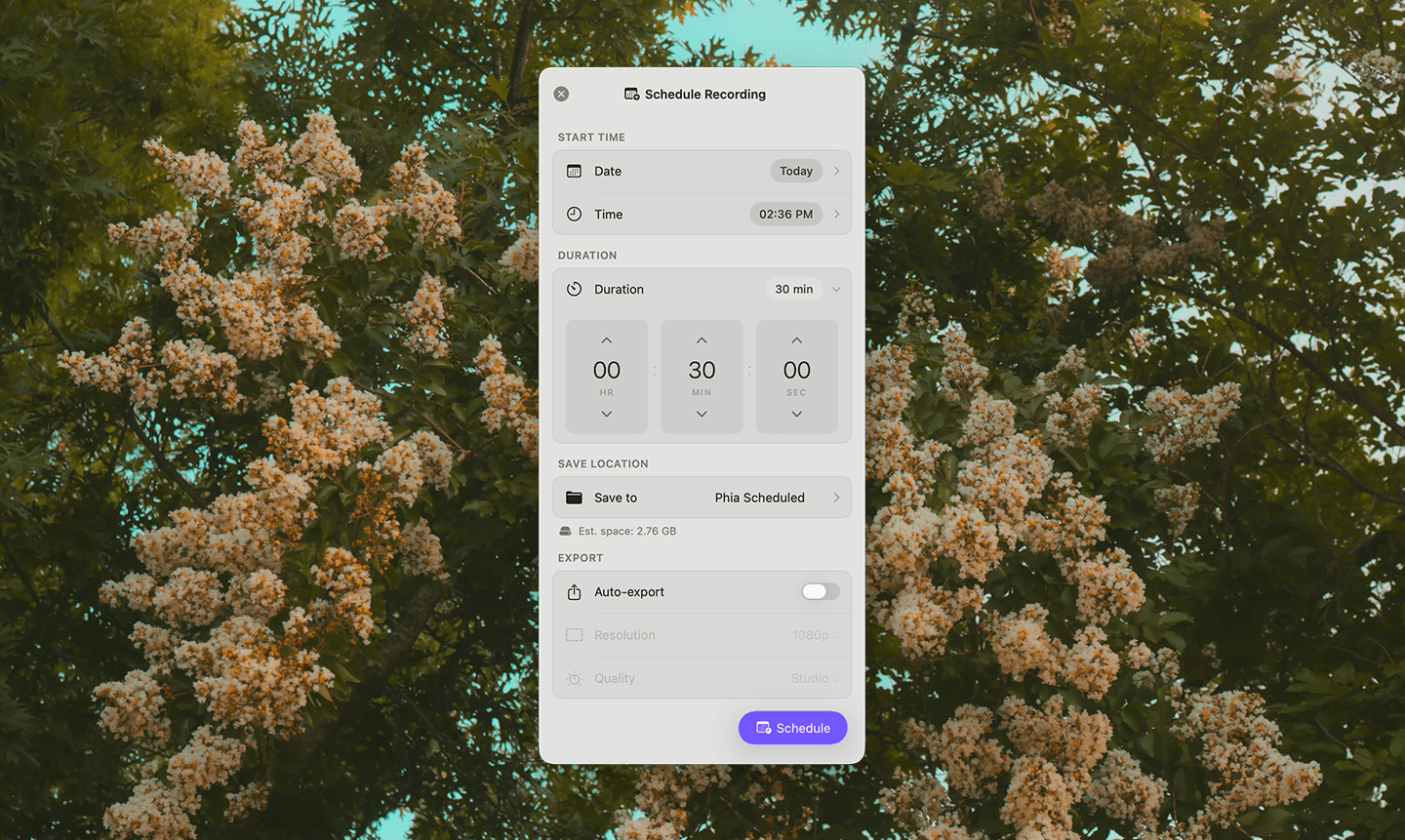
Phia can now record system audio directly from your Mac, allowing you to capture app sounds, music, and in-app audio during screen recordings. This makes tutorials, demos, and walkthroughs more complete and professional without needing external tools.